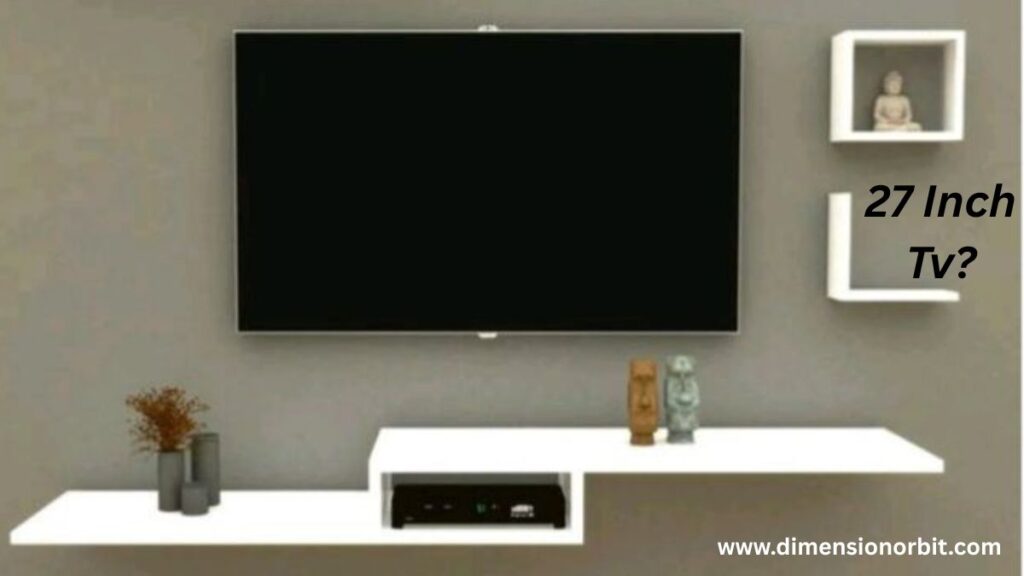
Thinking about a 27 inch TV? You might imagine a tiny screen that barely fills a corner of your room, or a desk setup that makes you feel like you’re watching movies through a postage stamp. But understanding 27 inch TV dimensions is more than just guessing it’s about knowing the actual width, height, and depth so your new TV doesn’t look like it’s squished into your space. From bedrooms to kitchens, desks to RVs, size matters. This guide dives into the real measurements, how far to sit, and clever placement tips, so your 27 inch TV fits perfectly without overwhelming your room or your patience.
What “27 Inches” Actually Means
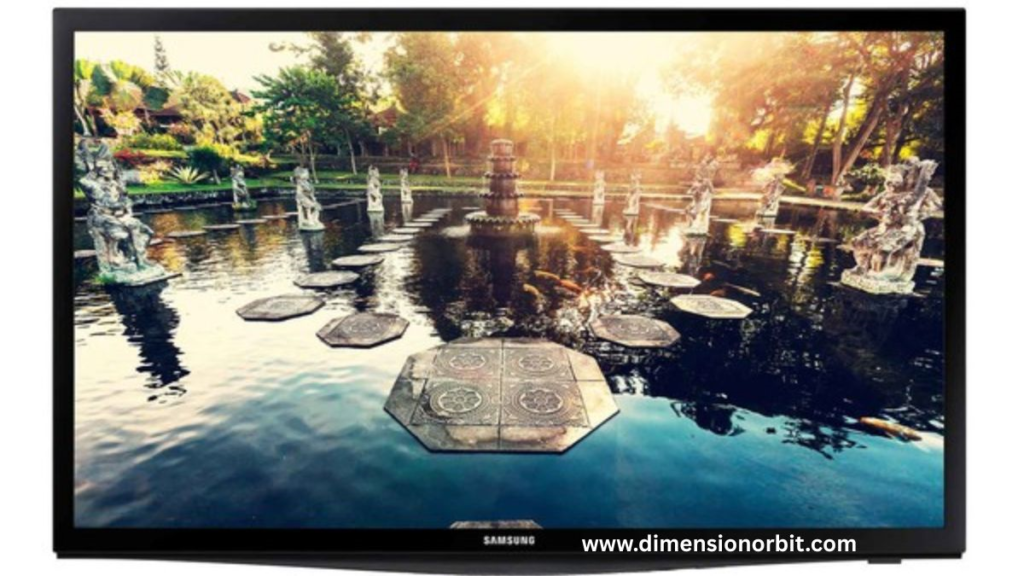
The 27 inches refers to the diagonal measurement of the screen, measured from one corner to the opposite corner. This method is standard across TVs and monitors. Almost all 27 inch TVs use a 16:9 aspect ratio, which means the width is roughly 1.78 times the height. While the diagonal is 27 inches, the visible width and height are smaller, and the total space the TV occupies depends on bezel thickness. Ignoring these details can lead to a TV that feels awkwardly large or small in a room.
27 Inch TVs vs Monitors: The Difference
One important reality is that true 27 inch televisions are rare. The majority of 27 inch screens on the market are actually computer monitors. Monitors can have HDMI inputs and smart-like features, but they usually lack built in TV tuners or integrated speakers. True 27 inch TVs combine tuners, speakers, and often smart functionality like Wi-Fi apps. This distinction matters if you want a TV for casual living room viewing versus a screen for a desk, bedroom, or kitchen setup. Many buyers assume a 27 inch TV is easy to find, but in practice, it sits in a niche category.
Actual 27 Inch TV Measurements

Using the standard 16:9 aspect ratio, the screen itself measures approximately 23.5 inches wide and 13.2 inches tall. This is the visible display area only. Bezel designs vary by model, so the total width of the TV including the frame usually falls between 24 and 25 inches, while the height ranges from 14 to 15 inches. Depth is another consideration. Modern 27 inch TVs are typically two to three inches thick without the stand, while the addition of a stand can increase depth to six to eight inches. These real world measurements are critical for planning placement on desks, shelves, or wall mounts.
36 Inch TV Dimensions and Real Measurements
Understanding Width and Height in Practice

When people ask, “how wide is a 27 inch TV?” the answer is not just the screen width. The full device, including bezels, takes up around 24 to 25 inches. Height is roughly 14 to 15 inches. These dimensions matter when mounting the TV above a cabinet or desk, ensuring it doesn’t overwhelm the space. For wall mounted setups, width and height determine how centered the TV will be and whether it leaves enough clearance around shelving or furniture.
Stand vs Wall Mount Considerations

A 27 inch TV typically comes with a removable stand. Without the stand, the TV is ultra slim, ideal for wall mounting. With the stand attached, depth increases to six to eight inches, which matters if placing the TV on a small desk, shelf, or kitchen counter. The stand may also add a slight increase in height. Wall mounting is simple because most 27 inch TVs are lightweight, but using proper mounts and ensuring enough clearance is still important.
How Much Space a 27 Inch TV Needs

Even small TVs need space planning. Horizontally, allowing a few extra inches on either side ensures proper airflow and easy access for cables. Vertically, some room above the screen helps with wall mounting, shelving, and heat dissipation. A desk or cabinet should be wide enough to accommodate the TV plus accessories, while supporting its weight safely. Ignoring these practical details can result in a cramped or unstable setup.
Viewing Distance and Comfort
Due to its compact size, a 27 inch TV benefits from a shorter viewing distance. For 1080p panels, sitting three to five feet away ensures sharp image quality, while 4K panels can handle slightly closer seating. Sitting too far from a small screen diminishes detail, and sitting too close can strain the eyes. These distances make the 27 inch TV ideal for bedrooms, desks, or kitchens, but less suitable for large living rooms where the screen may feel too small.
Practical Use Cases: Bedroom, Desk, or Kitchen
A 27 inch TV works well in spaces where larger screens would be overwhelming. In a bedroom, it fits neatly on a nightstand or small table. On a desk, it serves both as a monitor and an entertainment screen. In kitchens, it can sit above counters without obstructing cabinets or sightlines. Its compact footprint makes it versatile, while still providing a noticeable viewing experience. The key is matching the TV to the size and purpose of the space.
Comparing 27 Inch TVs with Other Sizes
Comparing 27 inches with 24 or 32 inch models highlights its niche role. A 24 inch TV is slightly smaller, often used for tight desks or RV setups. A 32 inch TV offers more screen area for small living rooms or lounges but takes up more space. The 27 inch size strikes a balance: larger than a monitor but compact enough for bedrooms, desks, or kitchens. This makes it a choice for those who need something in-between, not too small, not too big.
Resolution and Picture Quality
Most 27 inch TVs are 1080p. At this size, the pixel density is high, so images remain sharp even at close distances. While 4K models exist, the benefit is less noticeable on a small screen unless you sit extremely close or use the TV for ultra-detailed gaming. Understanding resolution helps buyers set realistic expectations about picture quality and viewing comfort.
Smart Features, Ports, and Connectivity
A 27 inch TV often includes HDMI and USB ports, Wi-Fi connectivity, and pre-installed streaming apps like Netflix or YouTube. Speakers are built in but typically not powerful enough to fill a large room. Some monitors can emulate TV functionality with external streaming devices, but a true 27 inch TV integrates all of these features out of the box. Buyers should verify that the device has the features they actually need.
Wall Mounting a 27 Inch TV
Wall mounting is straightforward due to the light weight of these TVs, usually eight to twelve pounds. Most use small VESA patterns such as 75×75 mm or 100×100 mm. Even so, it’s best to anchor mounts into wall studs or use high-quality anchors for safety. Mounting at eye level while seated ensures comfort and reduces neck strain. Wall mounting also frees up desk or counter space, which is especially important in small rooms.
Why 27 Inch TVs Are Hard to Find
27 inch TVs are not widely produced because manufacturers prefer 32 inches as the minimum mainstream size. The 27 inch niche often targets RVs, desks, or secondary screens rather than primary living room TVs. This scarcity explains why shoppers sometimes turn to monitors or slightly larger 32 inch models as alternatives.
Alternatives to a 27 Inch TV
If a 27 inch TV isn’t available, buyers have options. A 27 inch monitor with HDMI can serve as a TV when paired with a streaming device. A 32 inch TV provides a slightly larger screen that’s easier to find and still fits small spaces. A 24 inch TV works in tighter areas but sacrifices a little immersion. Choosing the right alternative depends on the space, viewing distance, and intended use.
27 Inch TV Dimensions Table
| Specification | Measurement | Notes |
|---|---|---|
| Screen Width | 23.5 inches | Visible display only |
| Screen Height | 13.2 inches | Visible display only |
| Diagonal | 27 inches | Standard 16:9 aspect ratio |
| TV Width (with bezel) | 24–25 inches | Depends on model |
| TV Height (with bezel) | 14–15 inches | Depends on model |
| Depth (without stand) | 2–3 inches | Slim for wall mount |
| Depth (with stand) | 6–8 inches | Desk or cabinet placement |
| Weight | 8–12 pounds | Lightweight and easy to mount |
| Recommended Viewing Distance | 3–5 feet | Ideal for 1080p content |
| VESA Mount Size | 75×75 mm or 100×100 mm | Standard for small TVs |
Digital tool
Digital tools like Feet and Inches Calculator can convert inches to centimeters or feet instantly. Many smartphone apps now offer augmented reality measuring features, allowing you to gauge objects virtually and compare them to known lengths.
FAQs
What are the exact 27 inch TV dimensions?
A 27 inch TV has a visible screen width of about 23.5 inches and a height of roughly 13.2 inches. With bezels included, the total width is around 24–25 inches and the height is 14–15 inches, depending on the model.
How wide is a 27 inch TV?
Including the bezel, a 27 inch TV is typically 24 to 25 inches wide, which helps when planning wall mounts, desks, or shelves.
How tall is a 27 inch TV?
The screen itself is about 13.2 inches tall, while the full height with the bezel reaches approximately 14–15 inches.
How much space does a 27 inch TV need?
You should allow extra clearance of a few inches on each side and above the TV for ventilation, cable management, and proper wall or desk placement.
Is a 27 inch TV good for a bedroom, desk, or kitchen?
Yes. Its compact size makes it ideal for bedrooms, small desks, kitchens, or RV setups. It offers sharp images at close range without overwhelming the space.
Can you wall mount a 27 inch TV?
Absolutely. Most 27 inch TVs are lightweight (8–12 pounds) and compatible with small VESA mounts like 75×75 mm or 100×100 mm. Mounting into studs is recommended for safety.
How far should you sit from a 27 inches TV?
For 1080p panels, sit 3–5 feet away for clear viewing. For 4K models, 2.5–4 feet is ideal. Sitting too far can reduce detail, while sitting too close may strain your eyes.
What is the difference between a 24 inch and a 27 inches TV?
A 27 inch TV is slightly larger, providing a wider and taller viewing area. It’s better for rooms that can accommodate a small upgrade without jumping to a 32 inch screen.
What is the difference between a 27 inch and 32 inch TV?
Compared to a 27 inch TV, a 32 inch screen adds about 4 inches in width and 2–3 inches in height, offering a slightly more immersive viewing experience, but it also requires more space.
What are the best alternatives to a 27 inches TV?
If a 27 inch TV is unavailable, consider a 27 inch monitor with HDMI and a streaming device, a compact 32 inch TV, or a 24 inch TV for extremely tight spaces.
Final Thought
A 27 inches TV may be small, but understanding its real dimensions about 24 inches wide, 14 inches tall, and a few inches deep makes all the difference in planning your space. It’s perfect for bedrooms, desks, kitchens, or compact living areas, offering sharp 1080p visuals at close range without overwhelming the room. Its lightweight design makes wall mounting simple, while the stand adds flexibility for desks and shelves. Measuring your space, considering viewing distance, and knowing how the TV fits with furniture ensures you get a functional, comfortable setup rather than a screen that feels too cramped or awkward.

Jhon AJS, the author of Dimension Orbit, is an experienced blogger fascinated by the mysteries of existence. He explores every type of dimension from scientific to spiritual with clarity and creativity. Jhon’s engaging writing style invites readers to think deeper, question reality, and discover new perspectives on the universe.